What makes a good conversation pit post?
The posts that get the most helpful replies ask about one specific thing and show it. Members respond best to what they can see and answer in a single comment.
Ask about one detail
Narrow your question to a single decision. A post that asks the community to design a whole room or house is hard to answer well, and it often gets fewer replies. Pick the one thing you're stuck on and ask about that.
| Gets better replies | Harder to answer |
| Which of these two rugs works under a cognac leather sofa? | Help me design my living room |
| Brass or black hardware on sage green cabinets? | What should I do with my kitchen? |
| How do I fill the empty wall above my bed? | Decorate my whole apartment |
If you have several questions about the same space, start a separate conversation for each one.
Put your question in the title
The title is what members see first in the conversation pit. Write it as the question you want answered, not as a label. "Paint color for a north-facing bedroom?" tells members what you need before they open your post. "Bedroom" does not.
Show it
Attach a design, a photo of your space, or the products you're considering. A post with a visual gets more specific feedback, and attaching a design lets other members riff on it.
- Click 💬 Start a Conversation in the top navigation bar.
- Enter your question as the title.
- Add images, designs, or products to your post.
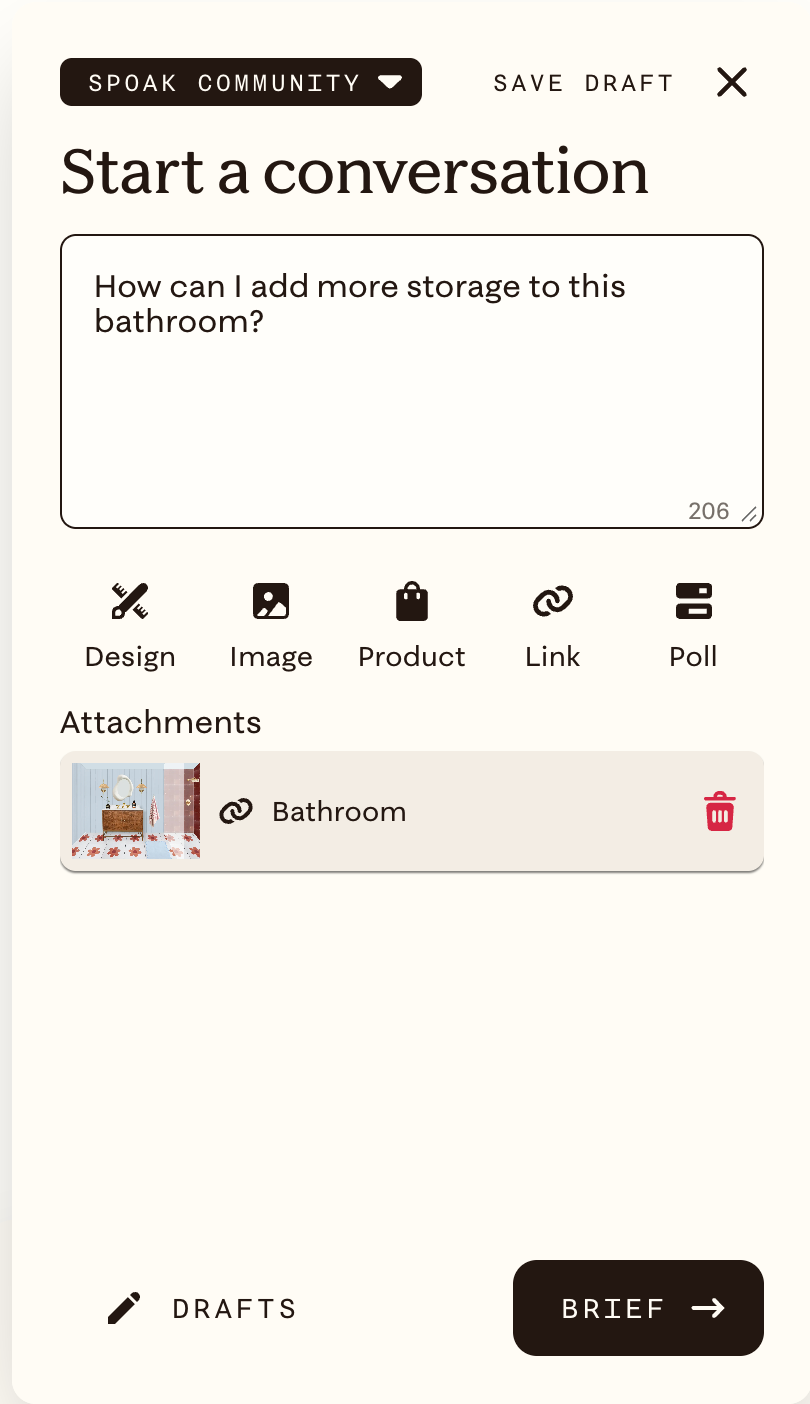
If your post has no visuals or very little text, the studio prompts you to add more before you post. Adding a design, photo, or poll at that point usually leads to better replies.
Add context in the Brief
Open the Brief to give members what they need to answer well:
- Going for
- Needs
- Limitations
Use this section to outline the specifics of what you want/need help figuring out
Use a poll when you're choosing between options
When you're deciding between two or more specific options, a poll gets you a quick, clear read. Attach an image, design, or product to every option so members can compare them side by side. A poll with text-only options is hard to vote on.
See How can I create a poll? for the steps.
Add a topic tag
Select a topic tag, like Design or Sourcing & Reviews, so your conversation shows up alongside related posts. Tagging is optional.
Fill out your profile
Members give more useful suggestions when they know your taste. Take the aesthetic quiz and fill out your profile before you post so replies match what you love.
What to leave out
- Promotion. Don't use a post to sell, recruit, or link to your own business. Spoak is an ad-free community, and promotional posts are removed.
- AI-written posts. Write your post in your own words. AI can help you in the design process, but your questions and comments should come from you.
Read the full Studio guidelines for what's welcome in the Conversation Pit.
After you post
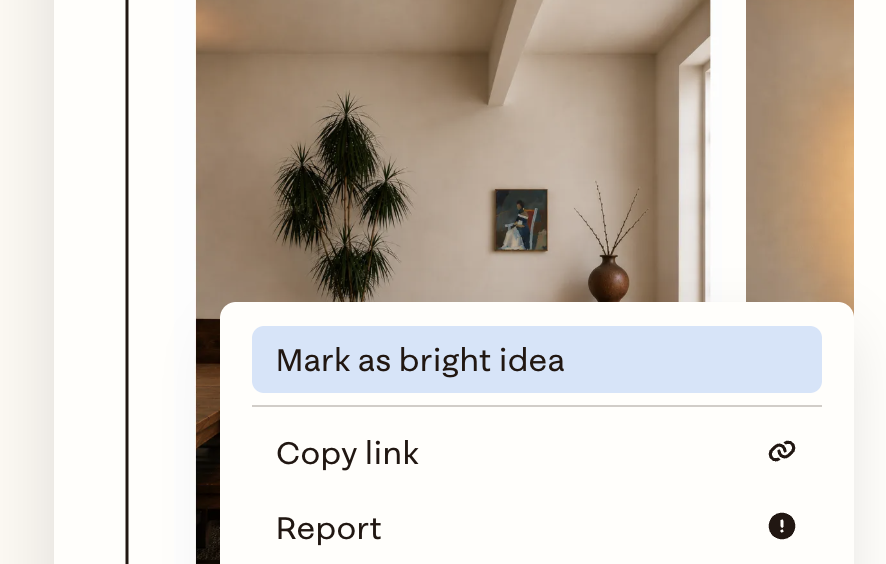
Reply to the members who comment, and give a spark to the suggestions you appreciate. When a comment answers your question, mark it as the Bright Idea so other members can find the answer at the top of your post.