.png)
How can I create a poll?
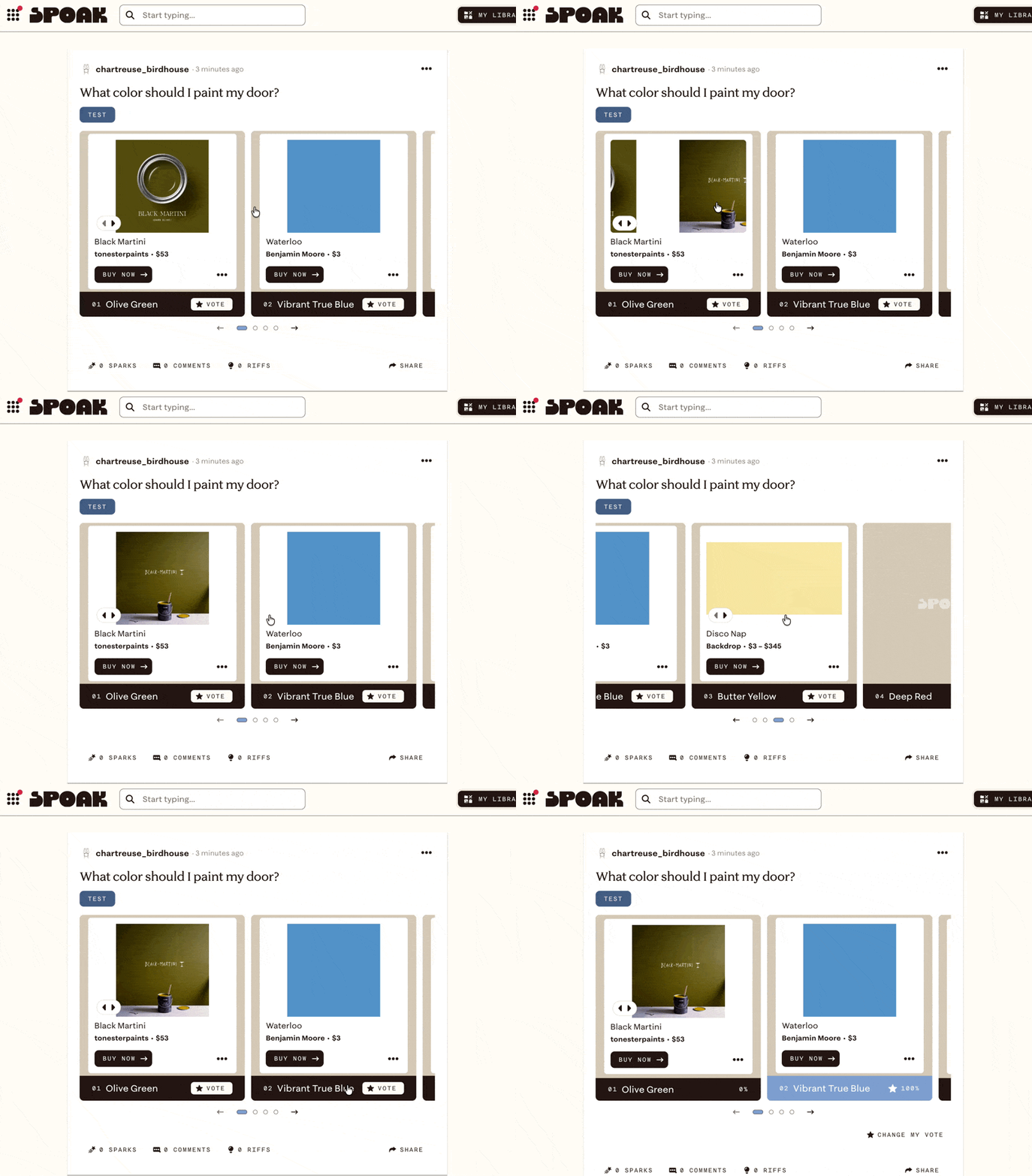
You can create a custom poll to ask the community of designers in the conversation pit what they think.
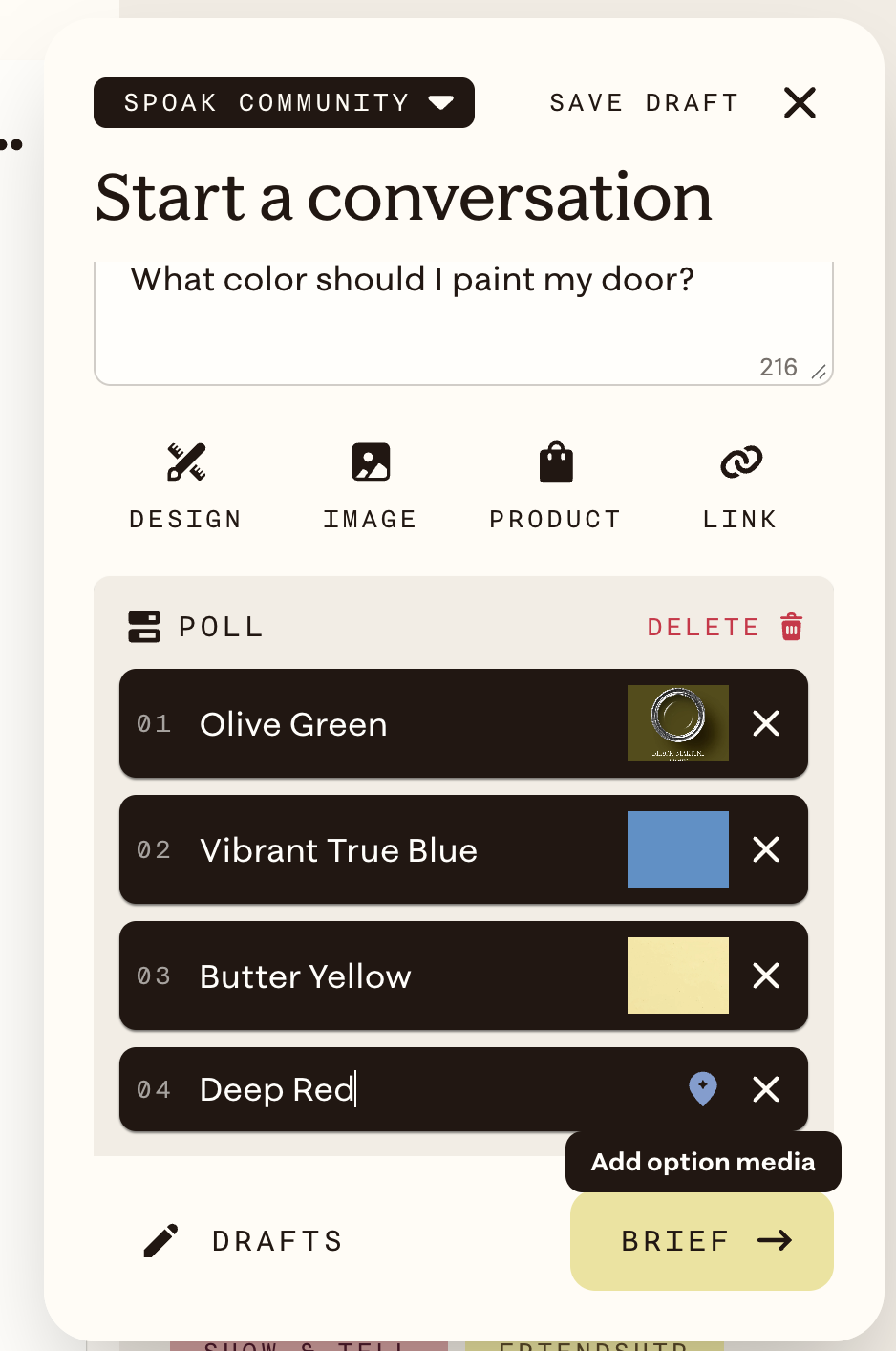
- Click 💬Start Conversation from the top navigation bar
- In the title, give a short summary of what you want to ask
- Click Create Poll
- Enter as many options as you like and add custom text to each option
- Show instead of tell by clicking the small icon next to the 'x' and add an image, design, or product to the option
Open the Brief to add additional context to make sure the community understands your vision.
Post your poll to the conversation pit and see what other design lovers think.