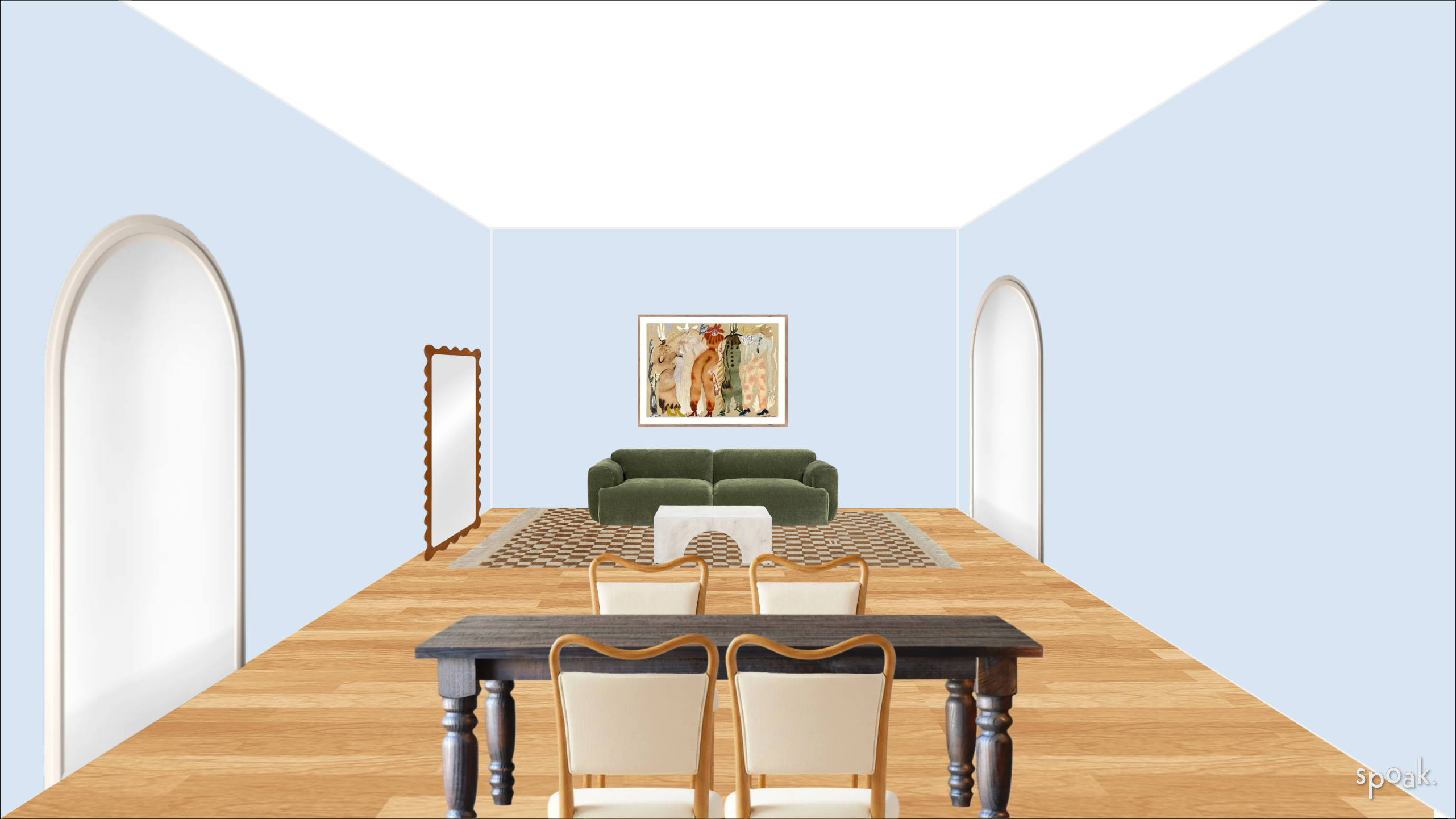
How do I create a deeper room?
If you want your design to feel like it has more depth, you can use perspective to make it work. The idea is straightforward: objects at the back of the room appear smaller than objects at the front, which creates the illusion of distance and depth.
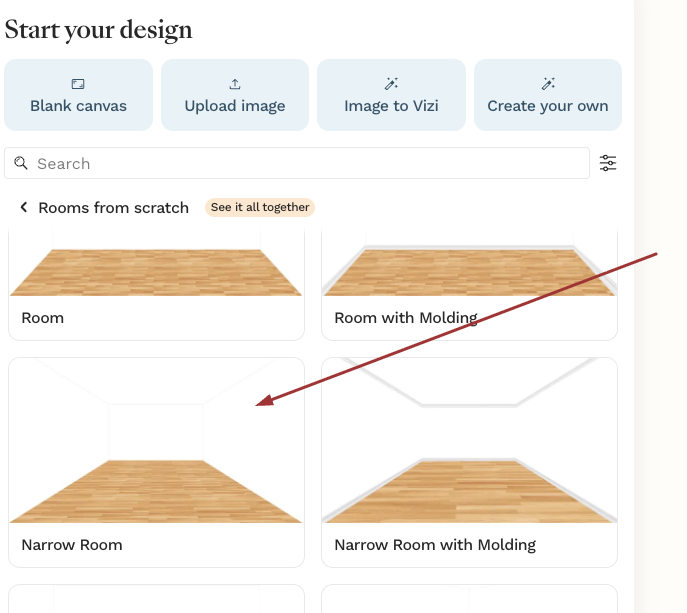
Start by opening the Rooms from Scratch templates and selecting the Narrow Room option to. This template is built with that deeper perspective already in place, so it's a great foundation to build from.
From there, you can edit the walls to match your actual space. Adjust the dimensions, move things around, and see how the depth changes the feel of the room as you go.