.png)
Can I still add affiliate links to my products?
In the old Spoak, affiliate links had a dedicated feature in the Project Planner: a dollar sign icon that opened a dialog where you could enter your link without touching the product itself.
That dedicated flow no longer exists. In Spoak, affiliate links work by editing the product URL directly.
How to add an affiliate link now:
- Open the folder containing the product in My Library.
- Find the product and open its edit view.
- Replace the product URL with your affiliate link.
- Save the change.
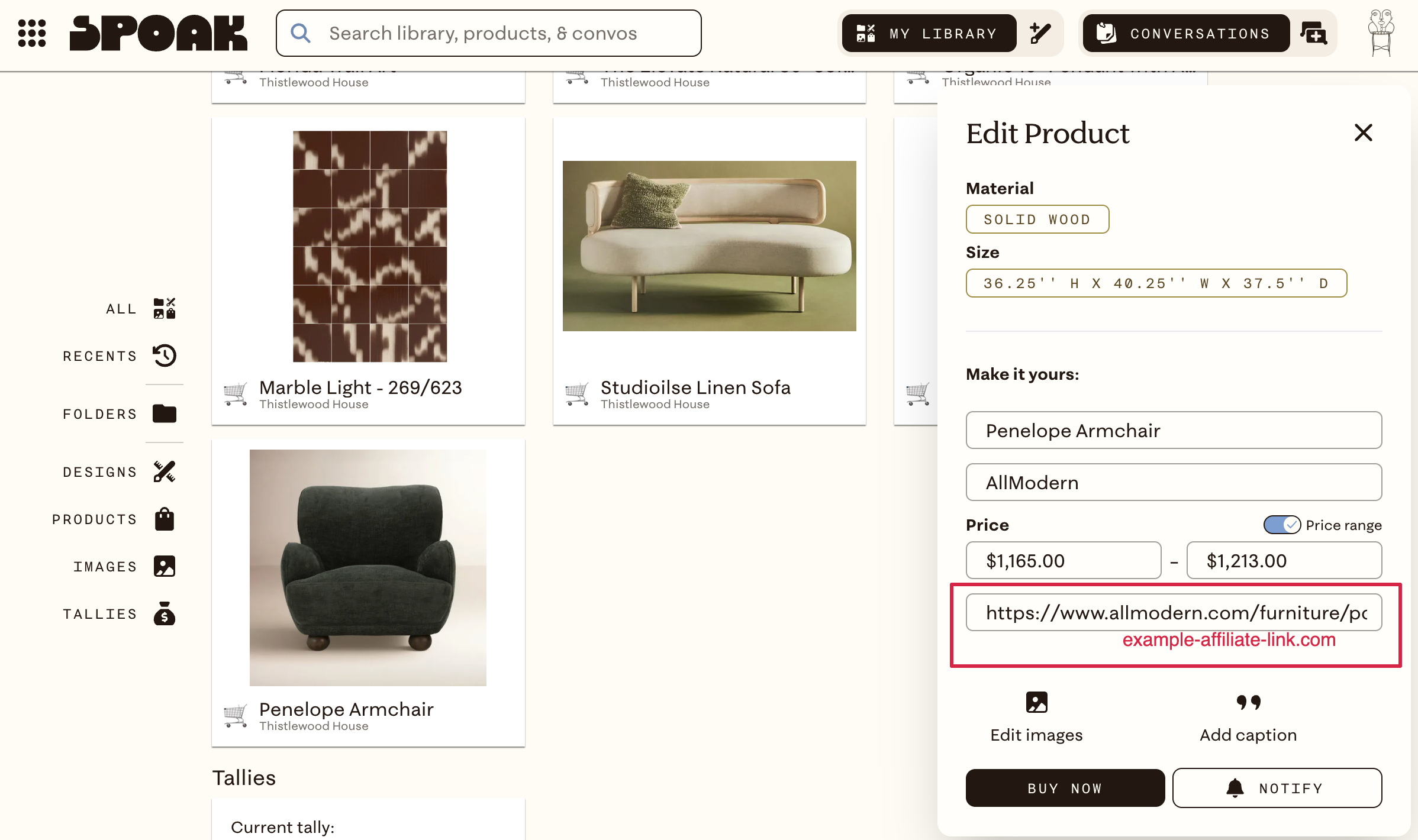
The link updates everywhere that product appears, including shared views and Public Views.
One thing to note: in the old system, removing your affiliate link would restore the original vendor URL. Now, editing the product URL replaces it. If you want to be able to revert, save the original URL somewhere before making the change.