.png)
Can I add affiliate links to my files?
Affiliate links are added by editing the product link directly in your file system.
To add an affiliate link to a product:
- Open the folder containing the product in My Library.
- Find the product and open its edit view.
- Update the product URL with your affiliate link.
- Save the change.
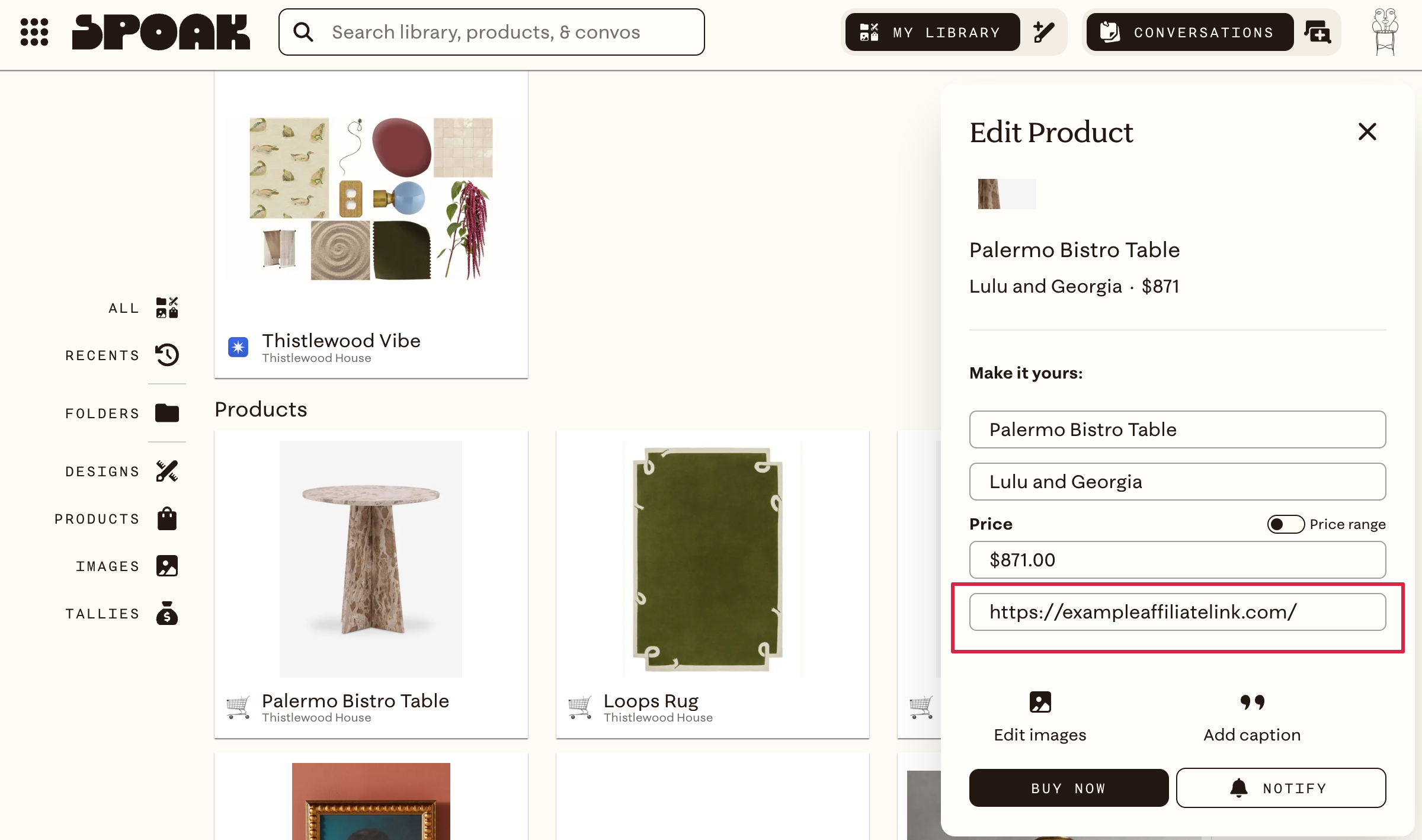
The affiliate link becomes the product's link anywhere it appears. Including in shared folder views and Public Views.
To revert to the original link, you'll need to manually re-enter the original URL. Unlike a dedicated affiliate field, editing the product link replaces it rather than layering on top of it, so keep the original handy if you think you'll need it back.