.png)
Can I turn my design into a rendering?
Yes. Magic Render turns your design into a 3D image, sketch, or watercolor rendering.
Generate a Magic Render
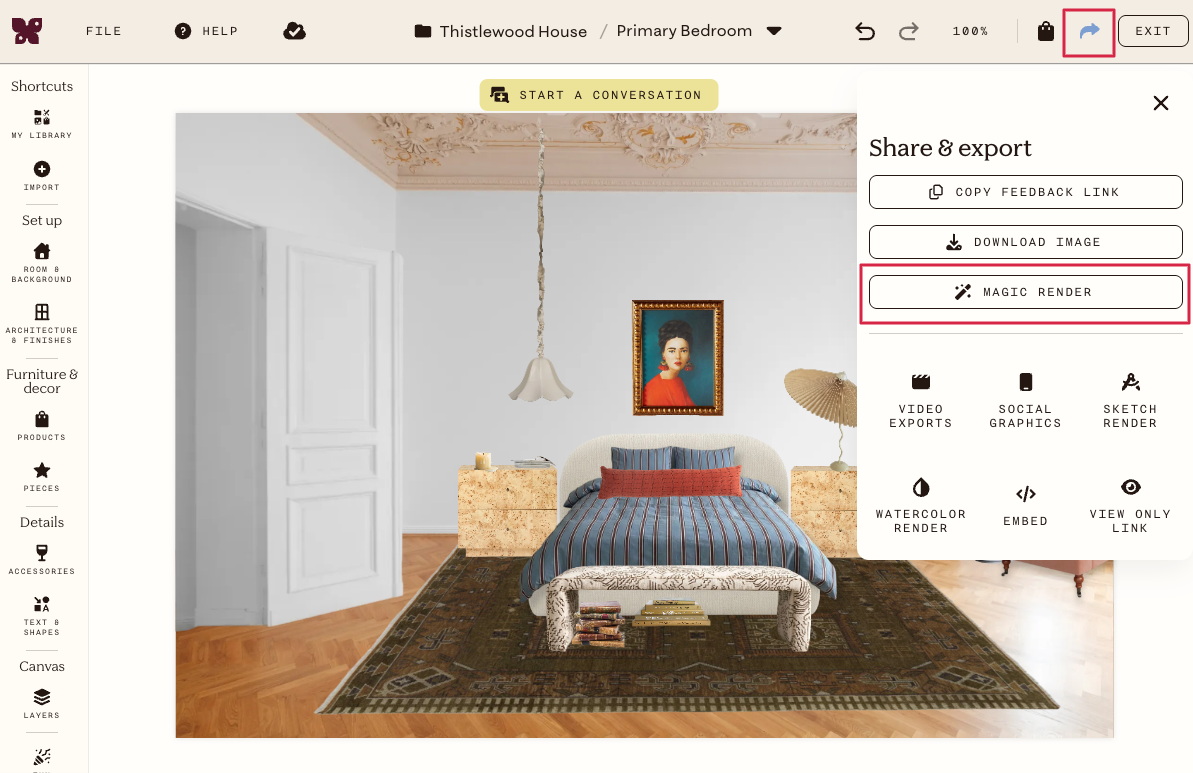
- Open your design and click the Share icon in the top toolbar.
-
In the Share & export panel, click Magic Render.
- Select a style: 3D Image, Sketch, or Watercolor.
-
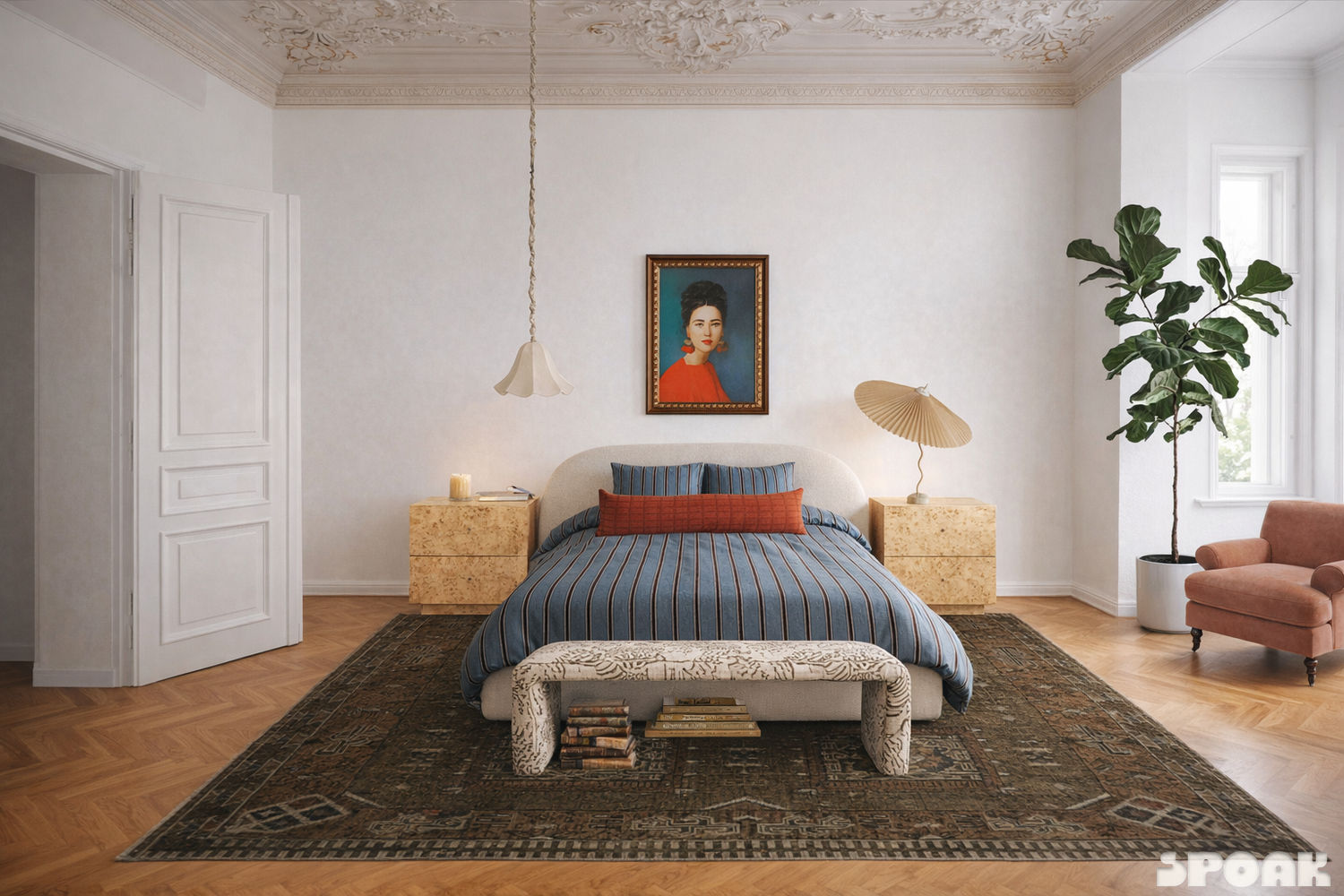
3D Image gives you a photorealistic rendering of your design.
-
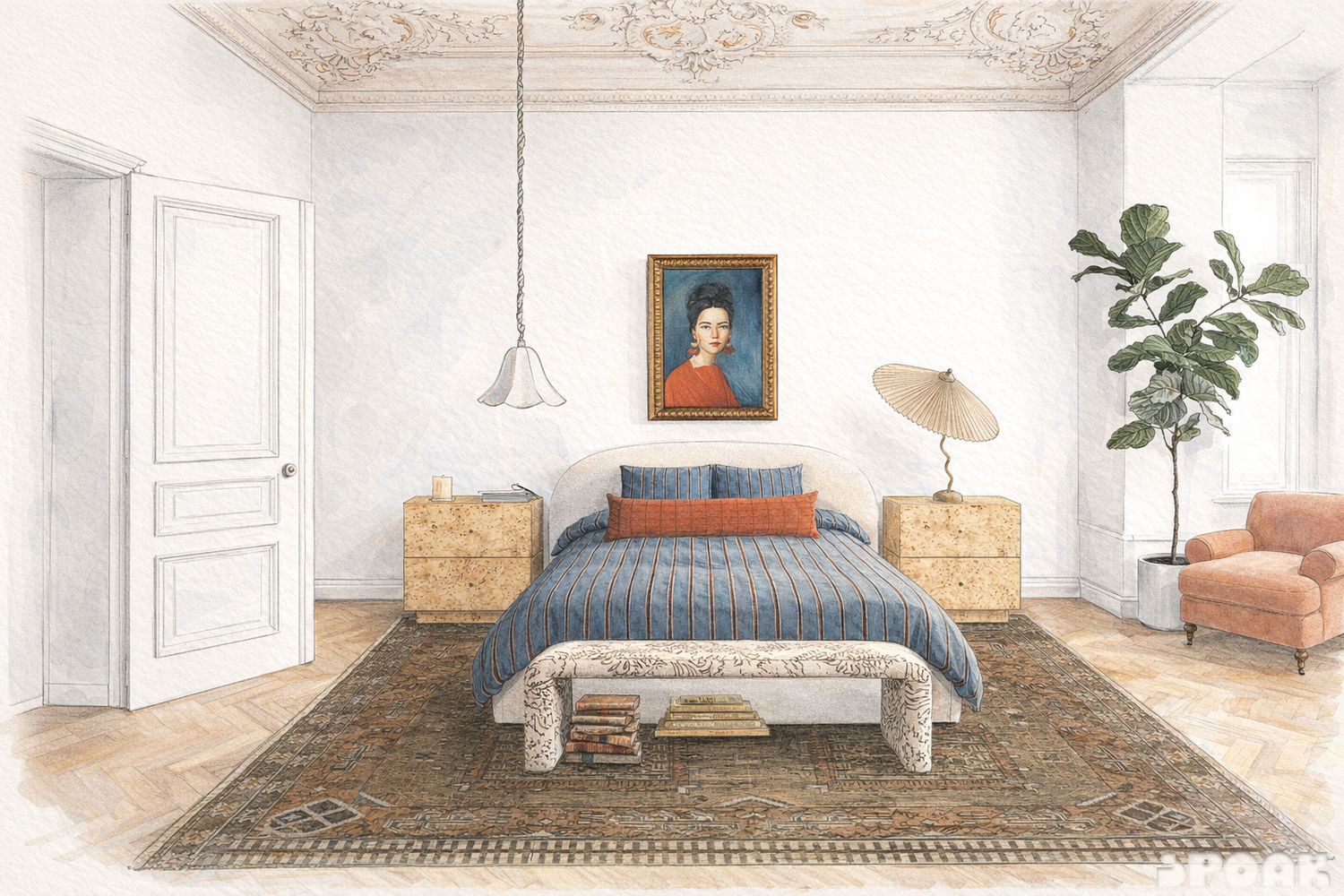
Sketch gives you a hand-drawn, pencil-style rendering with soft color throughout.
-
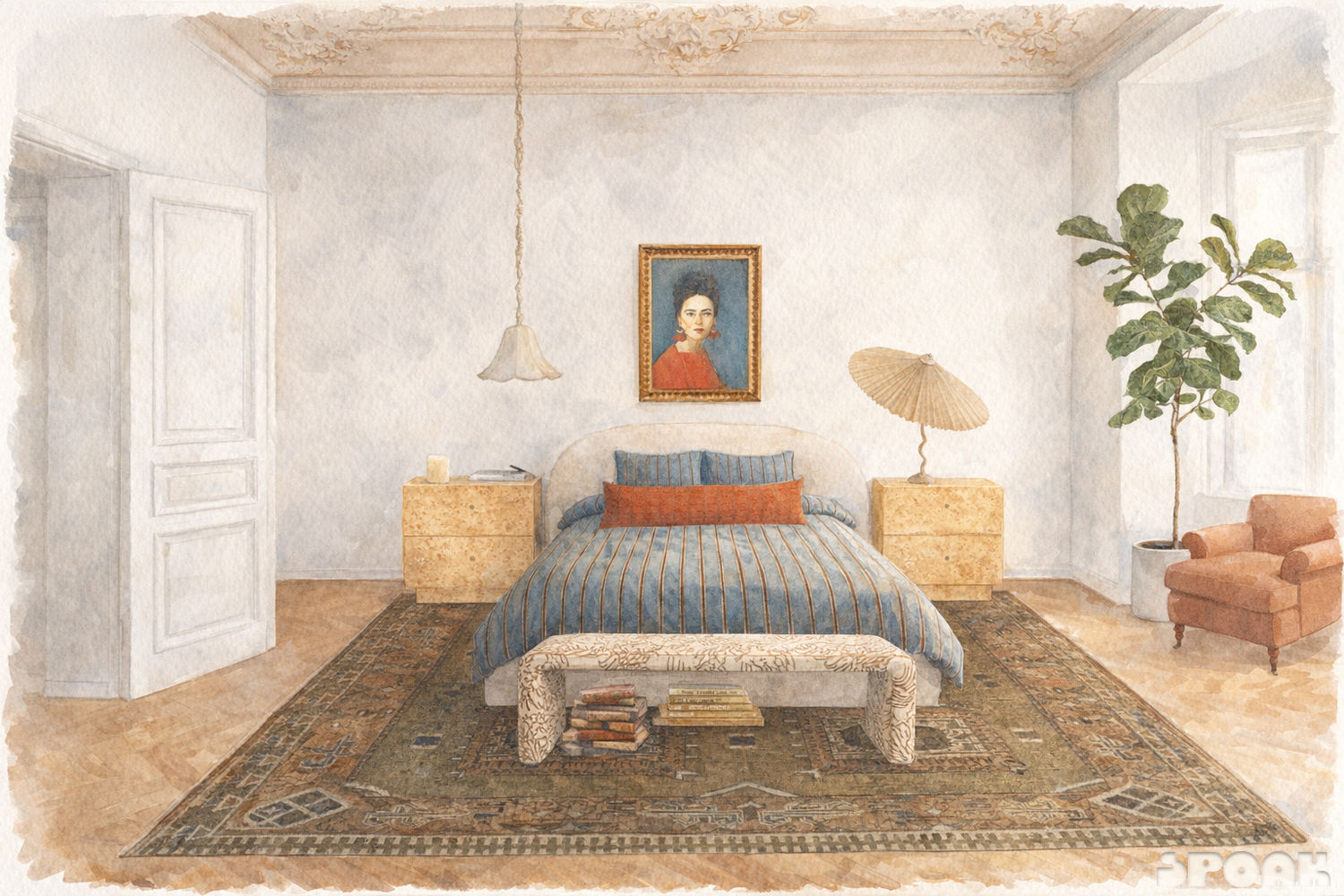
Watercolor gives you a soft, painterly rendering with the texture of a hand-painted piece.
-
- Under Create new, select a render priority:
- Precision prioritizes exactness to your design.
- Polish prioritizes life-like realism.
- Click Create New.
Your render takes a few minutes to complete. You'll get a notification, and a download link will be sent to your inbox.
View your past renders
Each style tab (3D Image, Sketch, Watercolor) shows your past renders for that style, with the date and time they were created. From there, you can download a render or copy its image link.
A few things to know
- Magic Render is available in Mockup, Swatch Tray, and Plan.
- Renders are AI generated, so there may be small differences between your design and the final render, especially for 3D Image. It's a close, strong visual version of your original idea, not an exact match.
- Magic Render uses Time Saving Tokens.