.png)
How does the scale work in plan mode?
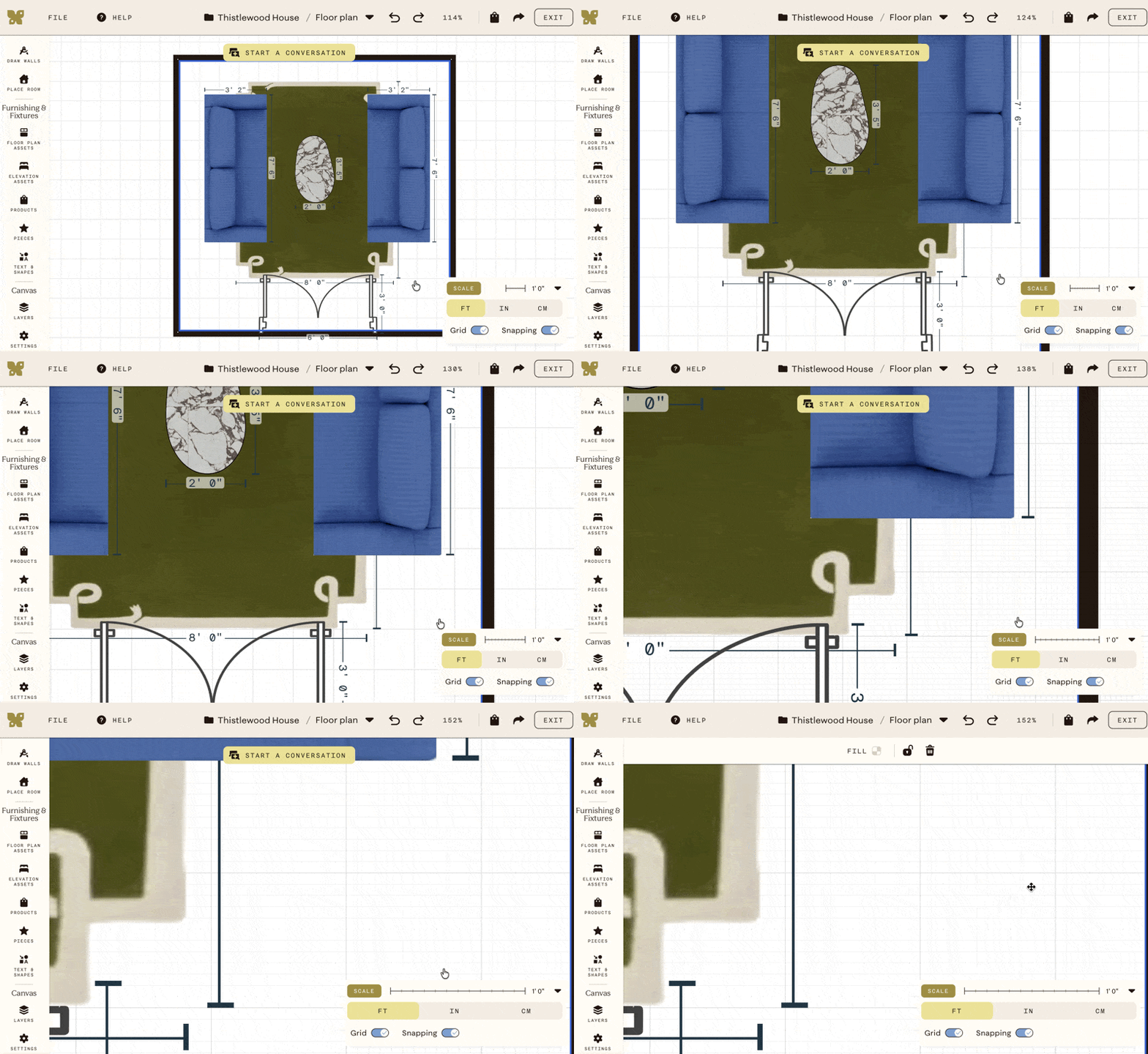
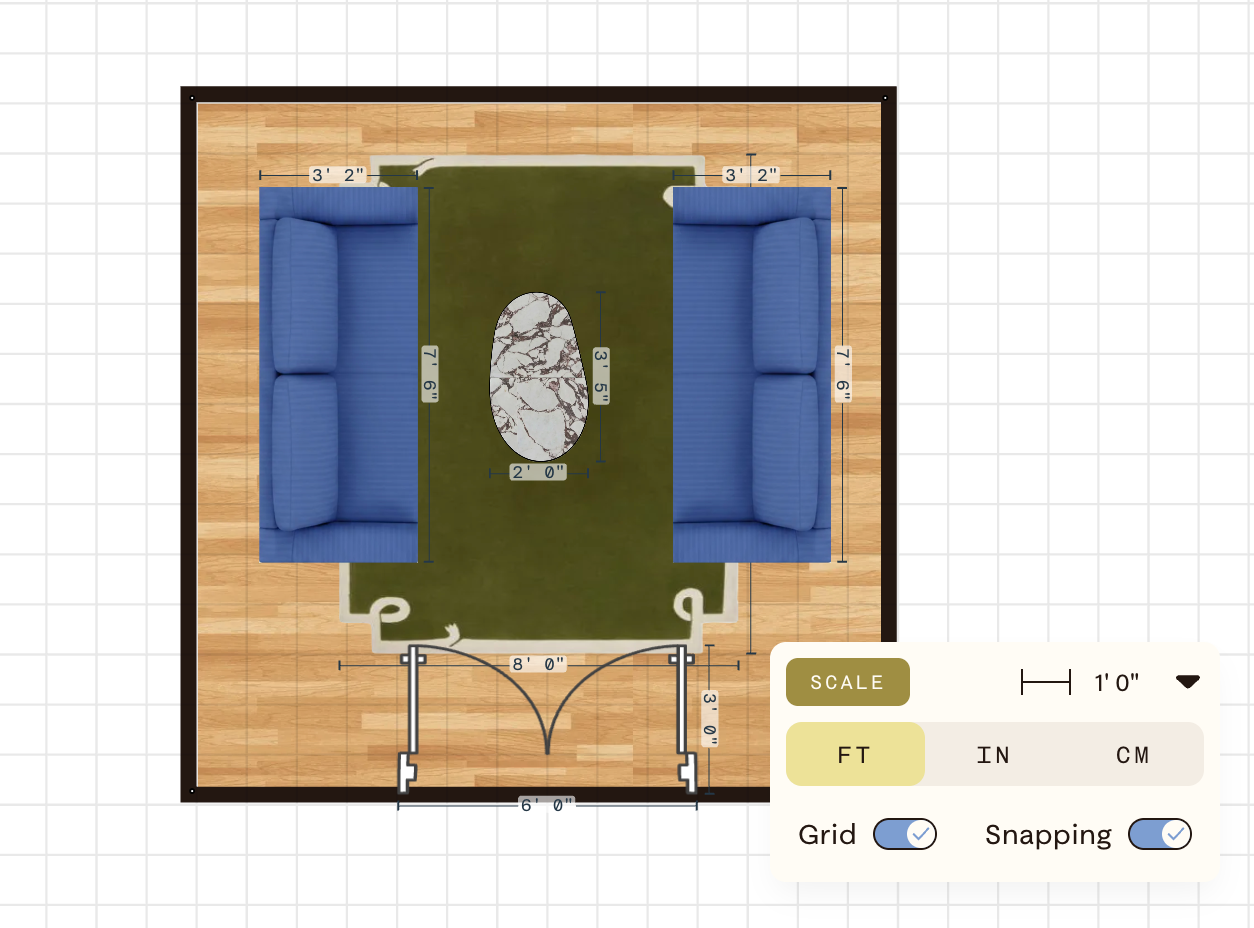
The scale bar in the bottom right corner of your canvas shows the current real-world measurement per unit. By default it reads 12" or 1'.
Zooming and the grid
As you zoom in, gridlines appear on the canvas. Items snap to these gridlines automatically when Snapping is turned on, making it easier to align assets precisely.
To toggle snapping, open the scale menu at the bottom right corner of the canvas.