.png)
How do I zoom in on my canvas?
A few ways to zoom:
- Pinch on your trackpad with your cursor over the canvas.
- ⌘ + + to zoom in, ⌘ + - to zoom out. (make sure your mouse is on the canvas when you do this!)
- Make sure you're zooming in on your canvas in Spoak, not your browser.
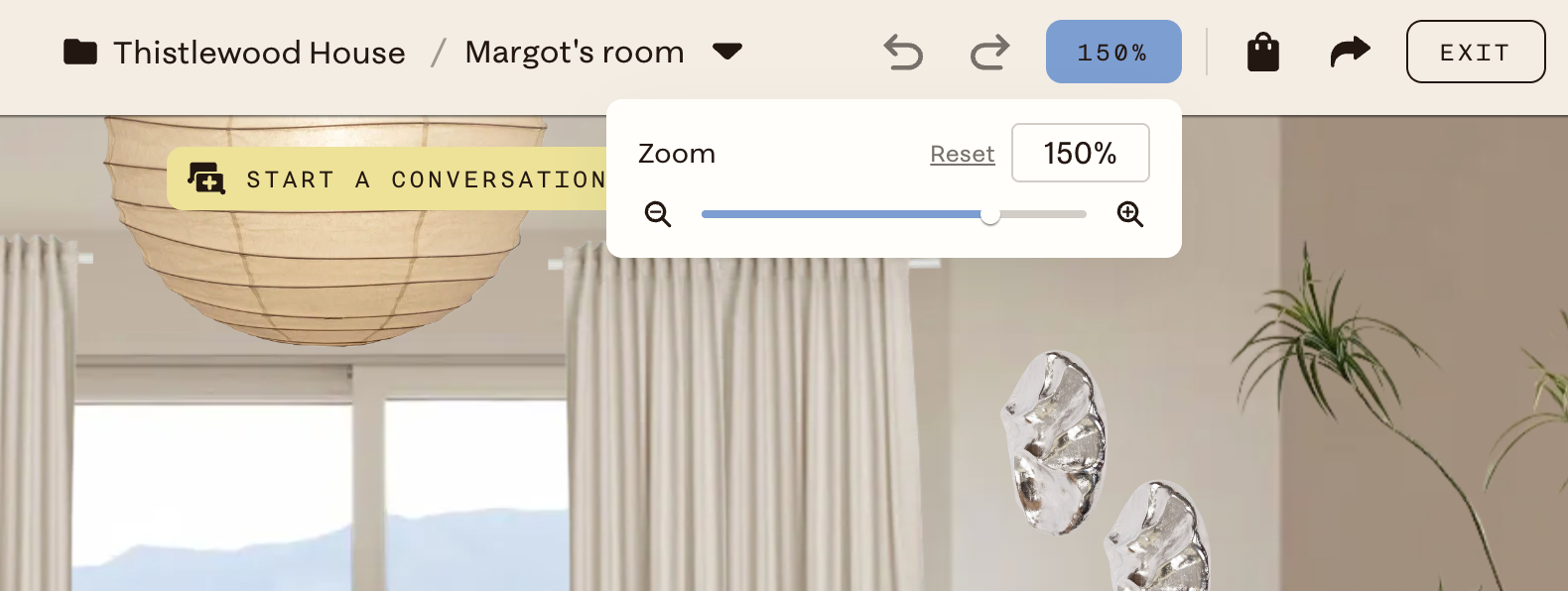
- Click the 100% indicator in the top navigation bar to open a zoom slider or type in a specific percentage. Click Reset to return to 100%.